
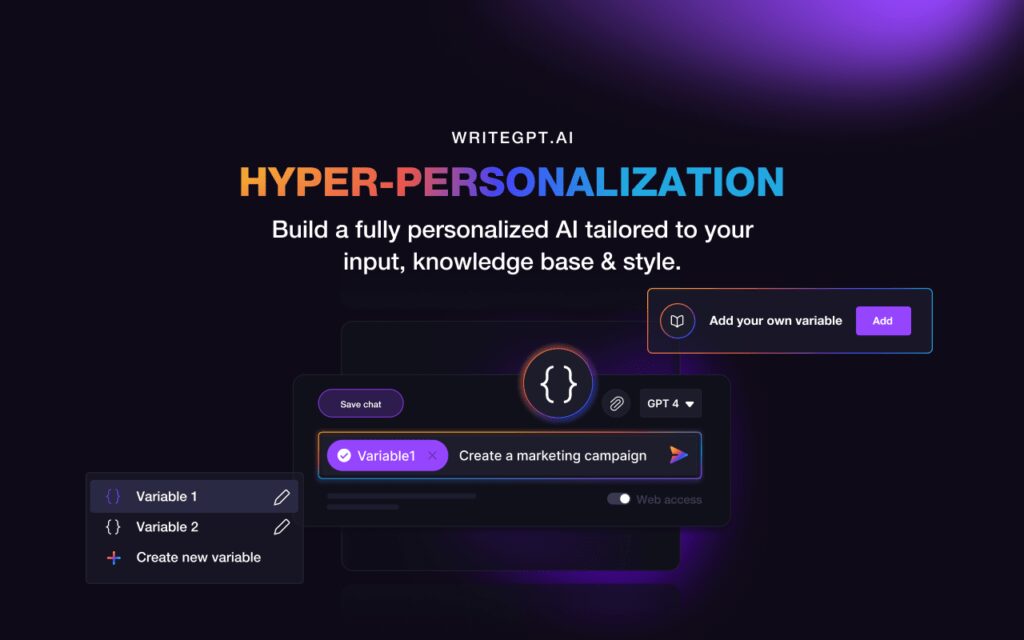

Welcome to the world of WriteGPT AI, where your productivity gets a significant boost. WriteGPT is not just another AI tool; it’s your creative companion that understands your needs, adapts to your writing style, and saves you valuable time. Let’s dive into the fascinating features, use cases, and the step-by-step guide on how to make the most out of WriteGPT.
What is WriteGPT Ai?
WriteGPT Ai is a revolutionary AI tool that expands OpenAI’s GPT capabilities to your favorite websites. Whether you’re working on Gmail, Linkedin, Facebook, Github, Medium, YouTube, or Google Search, WriteGPT acts as your prompt engineering assistant, making prompt writing effective and effortless.
Features of WriteGPT Ai
- Leverages the latest models in OCR and NLP for generative text AI.
- Access GPT-4, GPT-3, and ChatGPT for free.
- Web extension for seamless use on various websites.
- Google Docs extension for autocomplete without switching tabs.
- Assisted prompt engineering for effective writing.
- ChatPDF function for efficient document analysis.
Use Cases of WriteGPT Ai
- Content Creators: Overcome writer’s block and craft various text formats effortlessly.
- Marketers: Generate compelling ad copy, email campaigns, and social media posts.
- Students: Summarize complex topics, write essays, and prepare for exams.
- Professionals: Draft professional emails, reports, presentations, and LinkedIn profiles.
- Individuals: Organize thoughts, manage tasks, and improve writing skills.
How To Use WriteGPT Ai?
Using WriteGPT is a breeze:
- Visit writegpt.ai and sign up for a free account.
- Log in and start chatting with the AI assistant.
- Choose the model and parameters that suit your preferences.
- Use web extensions for various websites or the Google Docs extension.
- Explore the ChatPDF function for document analysis.
WriteGPT Ai Alternative
If you’re exploring alternatives, consider tools like ChatGPT, Copy.ai, Jarvis, and Shortly. Each offers unique features catering to different needs.
Pricing
WriteGPT is free to use, supported by donations. No paid plans are available currently. Support WriteGPT by making a donation on their website or becoming a sponsor on their Gumroad page.
1. Basic – WriteGPT Light
- 1000 Queries
- 500MB Maximum Storage
- Access GPT4
- Access Prompt Library
- Maximum 3 Projects
- Maximum 10 Variables
- Translation & Creation in 25+ Languages
- $14.99/month
Related Posts
2. Pro – WriteGPT PRO
- 2000 Queries
- GPT4 + Web Access
- Prompt Library Access
- 5 Projects
- Unlimited Variables
- Translation & Creation in 25+ Languages
- Fine-tune 3 Models
- Smart Bookmarks
- $24.99/month
3. Unlimited – WriteGPT Unlimited
- 10,000 Queries
- 25GB Maximum Storage
- GPT4 + Web Access (Early Access to Future Models)
- Prompt Library Access
- Unlimited Projects
- Unlimited Variables
- Translation & Creation in 25+ Languages
- Unlimited Models to be Fine-tuned
- Smart Bookmarks
- $82.99/month
How WriteGPT Ai Works?
WriteGPT uses the latest models in OCR and NLP, ensuring coherent and relevant text generation. It prioritizes user security, respecting privacy in prompts and documents.
Overall Review of WriteGPT Ai
In summary, WriteGPT is a game-changer for content creation, task management, and overall productivity. Its versatility, security measures, and constant improvements make it a must-try AI assistant.
FAQ and Other Points
Conclusion
Embrace the future of productivity with WriteGPT Ai. Write smarter, not harder, and let WriteGPT adapt to your knowledge and workflows seamlessly.
So why wait? Start your journey with WriteGPT Ai today
 Login with Google