
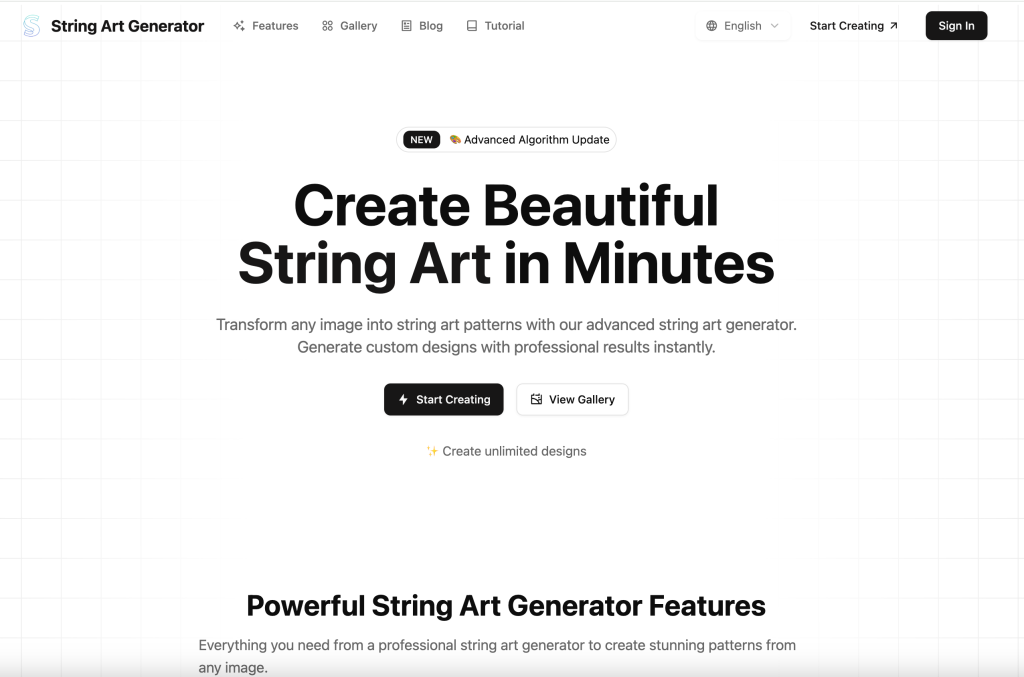

String Art Generator is an innovative web-based tool powered by advanced algorithms that transforms any uploaded image into beautiful string art patterns. Users simply upload an image, and the system automatically analyzes it to generate detailed string art instructions, including nail positions, string paths, and complete material lists.
String art is a decorative technique where colored string is wound around pins or nails to form geometric patterns or representational designs. Our string art generator analyzes your uploaded image and calculates the optimal string path to recreate it as string art, providing you with a detailed pattern and instructions.
Not at all! Our string art generator is designed for everyone, from complete beginners to experienced artists. Simply upload your image, adjust a few settings, and download your pattern. The generated instructions guide you through the creation process step by step.
Key Points :
First Things First: What Makes a GOOD Photo for String Art?
Before you even go to the website, this is the most important step. Garbage in, garbage out. If you pick the wrong photo, no amount of tweaking the settings will save it. I learned this the hard way.
The High-Contrast Rule (and why it matters)
String art is all about light and shadow created by overlapping threads. For the generator to “see” the important parts of your image, it needs clear distinctions between dark and light areas.
Think of a portrait with a bright light on one side of the face and a clear shadow on the other. That’s perfect. A photo taken on an overcast day with flat lighting? Not so much.
Keep It Simple: Why busy backgrounds will ruin your pattern
The AI is smart, but it’s not a mind reader. If you have a picture of your dog sitting in front of a bookshelf, the generator will try to create lines for your dog and the bookshelf, the lamp, and the plant in the corner. It becomes a chaotic mess.
Related Posts
Always look for photos with a plain, single-color, or out-of-focus background. If you have a photo you love with a busy background, use a free tool like remove.bg to get rid of it first.
My Before-and-After Example: Picking the right source image
Look at this comparison. On the left, a photo with a busy background and flat lighting. On the right, a simple, high-contrast portrait. The difference in the final pattern is night and day.
A Step-by-Step Walkthrough of the String Art Generator
Okay, got your perfect photo? Let’s head over to the site and make some art.
Step 1: Uploading Your Image (The Easy Part)
This is straightforward. Click the “Upload Image” button and select your file. The tool will automatically place it in the editor.
Step 2: Understanding the Main Settings (This is where the magic happens)
This is the control panel. Don’t be intimidated by the sliders; they’re pretty simple once you see what they do. I’ll break them down one by one.
- Nails: This determines the number of pins you’ll have around the edge of your frame.
- Fewer nails (e.g., 150) create a simpler, more abstract look. Good for logos or very simple shapes.
- More nails (e.g., 300+) allow for much higher detail, which is essential for portraits.
- My Advice: For most projects, start with 250 nails. It’s a great balance of detail and manageability.
- Lines: This is the total number of strings the pattern will create.
- Fewer lines (e.g., 1000) give you a sparse, minimalist design. The image will be faint.
- More lines (e.g., 4000+) create a very dark and dense final product. You can lose detail if it gets too dark.
- My Advice: I find the sweet spot is usually between 2000 and 3000 lines.
- Contrast & Brightness: I highly recommend adjusting this on your photo before you upload it. But if you need to do some quick tweaks, these sliders can help make the light and dark areas pop.
- Image Invert: This is a cool one. It flips the light and dark areas. So, if you’re using dark thread on a light background, you might want to leave this off. If you’re using white thread on a black board, clicking “Image Invert” can sometimes make the pattern look much better.
Step 3: Generating and Previewing Your Pattern
Once you’ve adjusted your sliders, hit the big “Generate” button. It can take a minute, so be patient. You’ll see a preview of your art appear on the left.
Don’t like it? Just tweak the sliders and hit “Generate” again. I usually generate 3-4 different versions before I find the one I love.
My “Go-To” Settings for a Great Portrait
If you’re feeling lost, just copy my settings as a starting point. This is what I use for almost every portrait I do on a 12″ or 16″ wood circle.
- Shape: Circle
- Nails: 250
- Lines: 2500
- Contrast: 1.2
- Brightness: 1.05
- Image Invert: Off (unless using light thread on a dark board)
- Algorithm: V2 (I find it gives slightly better results)
Advanced Tips to Get Pro-Level Results
After you’ve got the basics down, here are a few extra tricks I use.
- Use the “Crop” tool to focus on what’s important. When you upload an image, you can choose a circular or rectangular crop. Use it to tightly frame your subject’s face. Cut out any unnecessary empty space.
- The “Greyscale” toggle is your best friend. Unless color is somehow critical, turn your image to greyscale. It helps the AI focus only on light and shadow, which is all that matters for this kind of string art.
- What does the “Algorithm” dropdown actually do? I tested V1 and V2 side-by-side. Honestly, the difference is subtle, but I find V2 is slightly better at creating smoother gradients and more realistic shading. I just leave it on V2 now.
My Final Verdict: Is StringArtGenerator.tech Worth It?
Absolutely. For a free tool that runs in your browser, it’s incredibly powerful and produces fantastic results once you learn its quirks. It takes the hardest part of string art—the mathematical planning—and makes it as easy as moving a few sliders.
It’s the perfect tool for anyone wanting to create a personalized, handmade gift or a unique piece of art for their own home. It has its limitations, but for portraits and pets, it’s the best I’ve found.
Now it’s your turn. Have you tried this tool or another one? I’d love to see what you create. Share your experience or ask any questions in the comments below
 Login with Google