
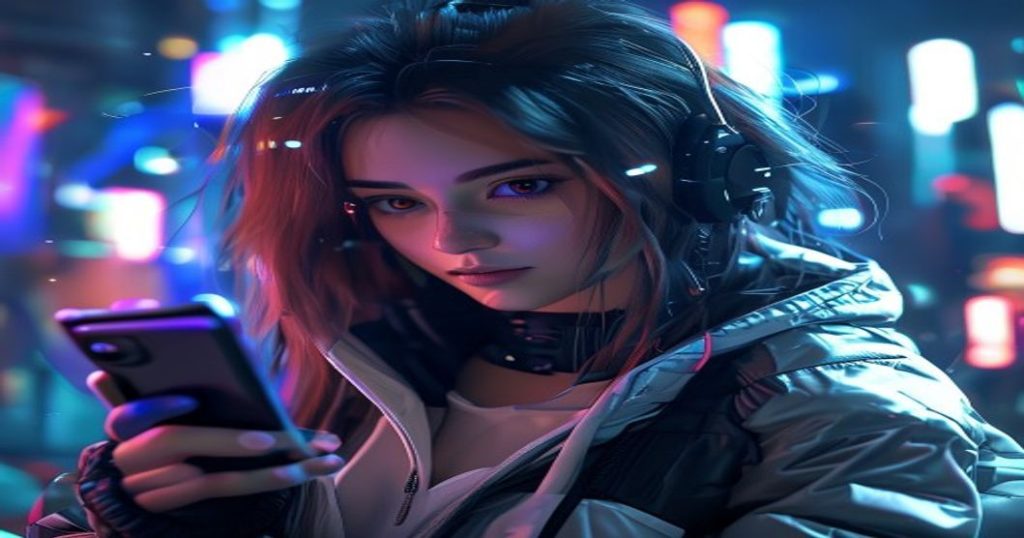
Sora 2 has become one of the most talked-about AI tools of 2026 — a free, TikTok-style app from OpenAI that turns your text prompts and photos into short, share-ready videos in seconds. If you’ve seen jaw-dropping AI clips on your feed lately, there’s a good chance Sora 2 made them. This guide explains how to use Sora 2 for free, what its standout features do, and how to get the best results.
Sora 2 at a Glance (2026)
| Feature | Details |
|---|---|
| Maker | OpenAI |
| Type | Text-to-video & image-to-video app |
| Price | Free to start |
| Standout feature | Cameos (use real likenesses) |
| Best for | Viral social video clips |

What Is Sora 2?
Sora 2 is OpenAI’s video-generation app, launched as a standalone, TikTok-style experience. Instead of just scrolling other people’s videos, you create your own: type a prompt or upload an image, and Sora 2 generates a short, realistic clip with motion and sound. Its viral “Cameos” feature even lets you drop real likenesses into AI videos (with permission), which is a big part of why it took over social feeds.
How to Use Sora 2 for Free (Step by Step)
- Download the Sora app or open it on the web and sign in with your OpenAI account.
- Tap create and type a clear prompt describing the video you want, or upload a photo to animate.
- Choose your style and length, then let Sora 2 generate the clip (it takes a few moments).
- Review and refine — tweak the prompt and regenerate until it looks right.
- Download or share directly to your social platforms.
Tips for Better Sora 2 Videos
- Be specific — describe the subject, action, setting, and mood in your prompt.
- Mention camera movement like “slow pan” or “close-up” for a cinematic feel.
- Keep it short — brief clips look the most natural and convincing.
- Iterate — small prompt changes can dramatically improve the result.
Sora 2 Free Alternatives
If you hit Sora 2’s free limits or want to compare results, there are excellent free options. Bing Video Creator is genuinely free with no watermark, Kling and Hailuo offer free daily credits, and Seedance 2.0 produces high-resolution clips with audio. See them all in our guide to the best free AI image-to-video generators.

Frequently Asked Questions
Is Sora 2 free to use?
Yes, Sora 2 is free to start, letting you generate videos within the app at no cost. Heavy users may hit daily limits, with paid options available for more generations and higher quality.
How do I get Sora 2?
Download the Sora app or open it on the web and sign in with your OpenAI account. Once you’re in, you can start creating videos from text prompts or photos right away.
What is the Cameos feature in Sora 2?
Cameos lets you insert real likenesses into AI-generated videos with permission, so you can star in clips alongside friends or creators. It’s one of Sora 2’s most popular and talked-about features.
Can Sora 2 turn a photo into a video?
Yes. Upload a photo and Sora 2 can animate it into a short video clip, adding motion and bringing your still image to life.
Ready to go viral? Open Sora 2, describe your wildest idea, and watch it become a video in seconds — for free.




 Login with Google