
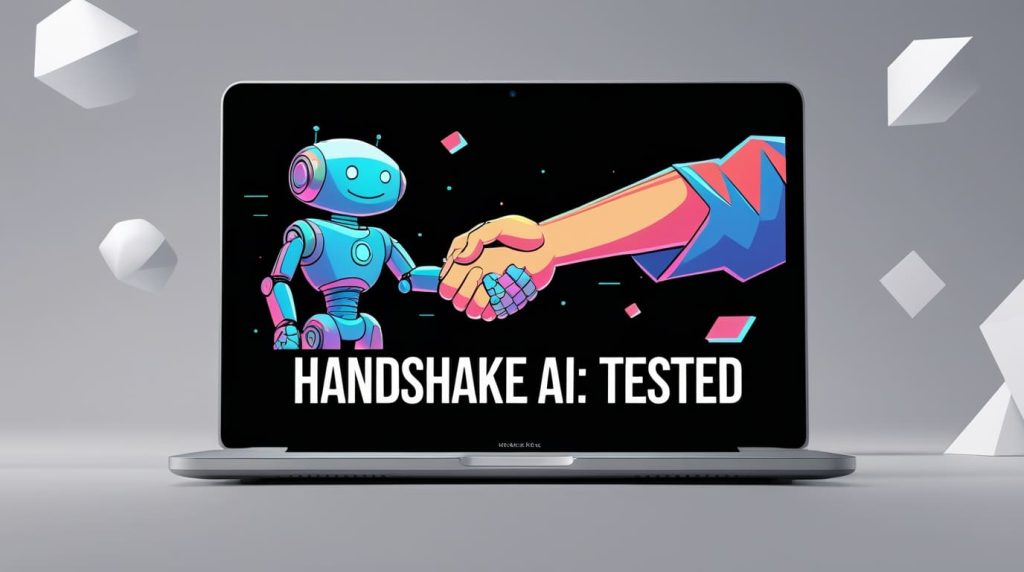
If you’ve logged into Handshake AI recently, you’ve probably noticed the new sparkle icons everywhere or the little “Coco” chat head popping up. It promises to fix the worst part of college: the black hole of job hunting.
But here’s the thing: Recruiter spam filters are getting smarter. If you use AI lazily, you won’t just get ignored; you might get flagged.
I spent the last week treating Handshake’s AI like my personal career agent. I let it find jobs, summarize listings, and draft messages to recruiters. Here is the honest breakdown of what works, what’s dangerous, and how to use it to actually land an interview.
Quick Verdict: Is It Worth It?
The Cheat Sheet
- Best Feature: “Semantic Search.” It finds jobs based on vibes and context, not just keywords.
- Biggest Risk: The AI-generated DM drafts are incredibly robotic. Do not send them unedited.
- My Top Tip: Use Coco to summarize long job descriptions to find the “hidden requirements” before you apply.

Part 1: The Search (Finally, Good Results)
The old way of searching on Handshake was painful. You’d type “Marketing,” and it would show you a “Marketing Director” role you aren’t qualified for and a “Door-to-Door Sales” gig masquerading as marketing.
Handshake’s new AI search (often powered by the Coco assistant) is different. It uses semantic search, meaning it understands intent.
The Test:
I asked the AI: “Find me remote creative internships that don’t require coding.”
The Result:
Instead of just looking for the word “creative,” it pulled up roles like “Content Strategy Intern,” “Social Media Fellow,” and “Copywriting Junior.”

My Advice:
Stop searching for job titles. Search for what you want to do.
- Don’t type: “Data Analyst.”
- Type: “Entry-level roles using SQL and Python that pay over $70k.”
The AI is surprisingly good at filtering out the junk when you get specific.
Part 2: The “TL;DR” Feature (Time Saver)
When you click on a job posting now, you’ll often see an option to summarize the role. I love this feature, but you have to be careful.
I tested this on a 2,000-word job description for a Product Manager rotation program. The AI successfully pulled out the deadline and the visa sponsorship status (crucial info usually buried at the bottom).
However, it missed the nuance.
The job description mentioned, “Experience with Figma is a plus, but passion for design is required.” The AI summary just said: “Requires Figma.”
If I had relied solely on the summary, I wouldn’t have applied. Since I read the full text, I knew I still had a shot.

The Bottom Line: Use the summary to screen out bad jobs quickly. If a job looks good, read the full description manually.
Part 3: The Danger Zone (Messaging Recruiters)
This is where you need to pay attention. Handshake now suggests AI-drafted messages to send to recruiters or peers.
I tested the “Draft a message” feature for a recruiter at a tech company.
What the AI wrote:
“Dear [Name], I recently came across the [Role] and was deeply impressed by your company’s commitment to innovation. My background in [Major] aligns perfectly with the requirements. I would love to connect to discuss how I can leverage my skills…”
Why this fails:
- “Commitment to innovation”: Every AI writes this. It means nothing.
- “Leverage”: Dead giveaway word. Real students don’t talk like that.
- It’s boring. Recruiters get 500 of these a day.
How to fix it (The “Sandwich” Method):
Use the AI to get the structure of the message, but replace the “meat” with your own voice.

My Rewrite:
“Hi [Name], I saw the [Role] open up and noticed you guys just launched that new sustainability initiative in Q3—super cool. I’ve been doing similar research in my [Major] capstone project. Would love to ask one specific question about the team structure if you have 5 minutes. Thanks!”
See the difference? The second one sounds like a human being.
Part 4: The Secret Weapon (Interview Prep)
Most people stop using Handshake once they hit “Apply.” Big mistake. The most underrated AI feature is using Coco for interview prep. Based on the job description and common interview questions, what are 3 questions they are likely to ask me… .
Since Handshake has data on millions of students and employers, the AI has a pretty good idea of what specific companies ask.
Try this prompt:
“I have an interview for a Sales Development Rep role at Oracle. Based on the job description and common interview questions, what are 3 questions they are likely to ask me, and how should I answer them?”
I did this for a mock interview. The AI didn’t just give me generic “What is your weakness?” questions. It gave me role-specific scenarios like “How would you handle a prospect who hangs up on you?”

This is the killer app. It’s like having a cheat sheet.
So, what’s the verdict?
Handshake’s AI isn’t magic, and it definitely won’t get you a job if you use it on autopilot.
If you let it write your profile and your messages, you will sound like a generic bot, and you will get ignored. But, if you use it as a research assistant—to find niche keywords, summarize boring text, and prep for interviews—it gives you a massive speed advantage.
My final recommendation:
Log in, activate Coco, and try a “natural language” search for your dream job right now. You might be surprised by what the standard keyword search was hiding from you.
What’s the weirdest result Handshake’s AI has given you so far? Let me know in the comments—I’m curious if it’s hallucinating for anyone else!



 Login with Google