
You’ve probably seen the headlines hyping up Kimi K2, the new open-source model from China, as a potential “GPT-4 killer.” But then you click over to Reddit and see developers talking about needing a million dollars in GPUs to run it.
So, what’s the real story? How can a regular developer or enthusiast actually get their hands on this thing? I went through the process myself, and the answer is simpler than you think.
My Key Takeaways from Testing Kimi K2:
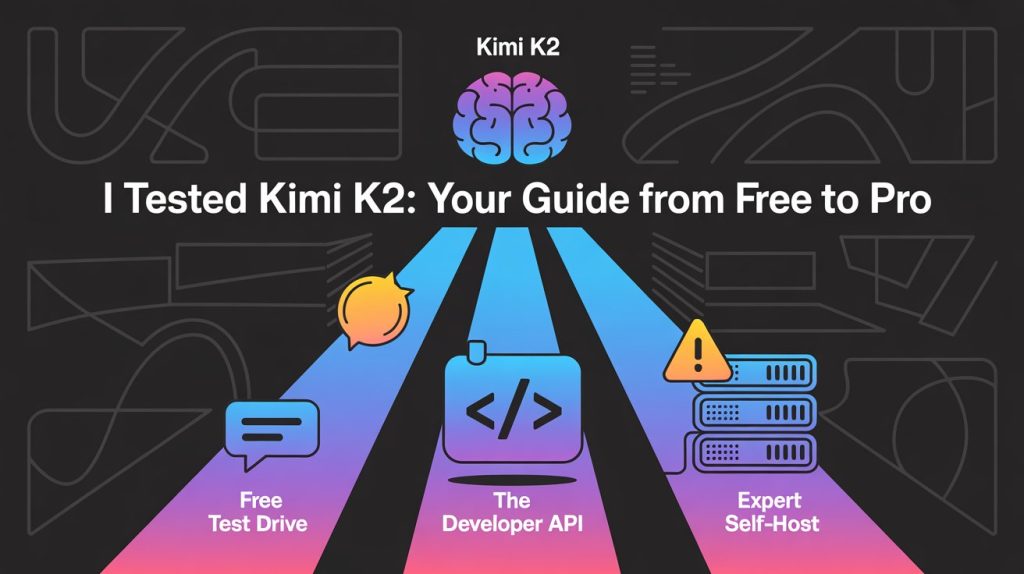
- Easiest & Free Way: For a quick test, you can use the official Kimi web chat interface to see how it feels. It’s a great way to get a baseline.
- Best Option for Most Devs: The API is the real star. It’s shockingly cheap compared to OpenAI and Anthropic and is incredibly easy to integrate into your existing projects. This is the path for 99% of people. Self-Hosting Reality Check: Don’t even think about it unless you have access to a serious server cluster (we’re talking multiple A100s or H100s). This is not a project for your gaming PC. My #1 Tip: Start with the API. Get a feel for the model’s performance and capabilities before ever considering the massive undertaking of hosting it yourself.
First, What Actually IS Kimi K2 (in Simple Terms)?
Before we dive into the “how,” let’s quickly cover the “what.”

It’s a “Mixture-of-Experts” (MoE) Model
Imagine instead of one giant brain, you have a team of specialist brains. When a question comes in, the system routes it to the few experts best suited for the task. That’s Kimi K2. It has a massive 1 trillion total parameters (the “whole team”), but only uses 32 billion “active” parameters for any given request. [3]This makes it incredibly powerful but far more efficient to run than a dense 1 trillion parameter model.
It’s “Agentic” (Built for Tools)
This is the key marketing term. It just means the model was specifically trained to be good at using external tools via function calling. Think of an AI that doesn’t just answer a question but can also browse the web, run code, or check a database to get that answer. I found it to be very reliable at this.
Base vs. Instruct: What’s the Difference?
You’ll see two main versions mentioned:
- Kimi-K2-Base: This is the raw, foundational model. You’d only use this if you’re a researcher or a company with a dedicated ML team planning to fine-tune it on your own data.
- Kimi-K2-Instruct: This is the one you’ll likely use. It’s been trained to follow instructions and act as a helpful chatbot, making it perfect for direct use in applications.
Path #1: The “Just Curious” Free Test Drive
If you just want to see what all the fuss is about without writing a line of code, this is your path.
Using the Official Kimi Web Chat
Moonshot AI has a public-facing web chat where you can interact with the latest Kimi model directly. It’s the simplest way to get a feel for its personality, reasoning skills, and response speed.
I threw a few tricky prompts at it, and it did a great job with both creative writing and logical reasoning.

My Experience: What It’s Good For (and Its Limits)
This is perfect for quick experiments. It’s fast, free, and gives you a direct line to the model. The main limitation is that you can’t integrate it into any other application; it’s a standalone chatbot experience.
Path #2: The “I’m a Developer” API Integration (The Best Option for 99% of People)
Okay, this is where it gets really interesting. For developers, the Kimi K2 API is, in my opinion, the most compelling reason to try the model.
Why the API is a No-Brainer: The Cost Breakdown
The performance is great, but the price is what blew me away. I’ve been using Claude 3.5 Sonnet for a lot of my agentic coding tasks, and the cost can add up quickly. Kimi K2 is a fraction of the price.
Here’s a quick comparison I put together based on their current pricing:

As one YouTuber pointed out, you can cut your costs by around 80% instantly by switching a workload from Claude to Kimi K2, with very comparable performance.
Your First API Call: A Step-by-Step Guide
The best part is that Moonshot provides an OpenAI-compatible API, so if you’ve ever used OpenAI’s library, you’ll be right at home.
1. Get Your API Key
First, you’ll need to sign up on the Moonshot AI Platform and create an API key.
2. Set up Your Python Environment
Make sure you have the openai library installed. If not, just run:
pip install openai
3. The Code for a Simple Chat
Now, you can make your first call. The key is to set the base_url to Moonshot’s endpoint and use the correct model name, kimi-k2-instruct. code Pythondownloadcontent_copyexpand_less
    from openai import OpenAI
import os

# I recommend setting your API key as an environment variable
client = OpenAI(
    api_key="YOUR_MOONSHOT_API_KEY",
    base_url="https://api.moonshot.ai/v1",
)

messages = [
    {"role": "system", "content": "You are Kimi, an AI assistant created by Moonshot AI."},
    {"role": "user", "content": "Hello! Please give me a brief self-introduction."}
]

response = client.chat.completions.create(
    model="kimi-k2-instruct",
    messages=messages,
    temperature=0.3,
)

print(response.choices[0].message.content)
My “Aha!” Moment: Testing its Agentic Power with Tool Calling
This is where Kimi K2 really shines. I used the tool-calling example from their official GitHub repo to see how it handled a real-world agentic task. The setup is identical to OpenAI’s function calling.
You define your tools as a JSON schema, pass them in the API call, and the model will intelligently decide when to use them. I tested a simple get_weather function, and it worked flawlessly on the first try.

Path #3: The “Expert Tier” Self-Hosting Deep Dive
This is the path that generates the most fear and confusion online. Let’s clear it up.
Let’s Be Real: The Hardware You Actually Need
Why Your RTX 4090 Won’t Cut It
While you can run smaller open-source models on high-end consumer GPUs, Kimi K2 is in a different league. The model weights are stored in block-fp8 format and require a substantial amount of VRAM and compute power that goes far beyond a single GPU.
Addressing the Reddit Concern: What “32 H100s” Really Means
When people on Reddit talk about needing 32 H100s and a million dollars in hardware, they aren’t exaggerating by much. This is the scale of compute required to run the model efficiently for a production-level application serving many users. For research or internal use, you might get away with a smaller cluster (think maybe 8 H100s), but the bottom line is the same: self-hosting Kimi K2 is an enterprise-level task.
If You Have the Hardware: Your Starting Point
If you’re one of the lucky few with access to a GPU cluster, here’s where to start:
- Recommended Inference Engines: The official repository suggests using optimized engines like vLLM or SGLang to run the model.
- Model Weights: You can find the official model checkpoints on the Moonshot AI Hugging Face page.
My Final Verdict: Should You Switch to Kimi K2?
After spending time with it, my answer is a resounding yes, but only via the API for now.
The performance is genuinely impressive, especially for coding and agentic tasks. It feels like a true competitor to the top-tier models from OpenAI and Anthropic. When you factor in the dramatically lower API cost, it becomes an incredibly compelling option for developers looking to build powerful AI features without breaking the bank.

Forget the self-hosting dream for a moment. The real revolution with Kimi K2 being “open-source” isn’t that everyone will run it themselves, but that it introduces intense price and performance competition into the API market.
So, what’s the bottom line?
Spin up a free API key and swap it into your next project instead of GPT-4o or Claude. I have a feeling you’ll be pleasantly surprised. 🙂
What are you building with Kimi K2? Share your experience in the comments below




 Login with Google